Documentation
Everything you need to run Arc in production.
Install guides, configuration reference, integrations and operational detail for Arc, Arc Enterprise, Arc Launchpad and the arcli command line.
Arc OSS
The open, SQL-native time-series database.
Install it, ingest over Line Protocol or MessagePack, query with SQL, and connect Grafana, Telegraf, MQTT or OpenTelemetry.
Read the docs →Arc Enterprise
Arc for clusters, with the controls a shared deployment needs.
Multi-node clustering, RBAC, audit logging, tiered storage and query governance, on top of everything in Arc.
Read the docs →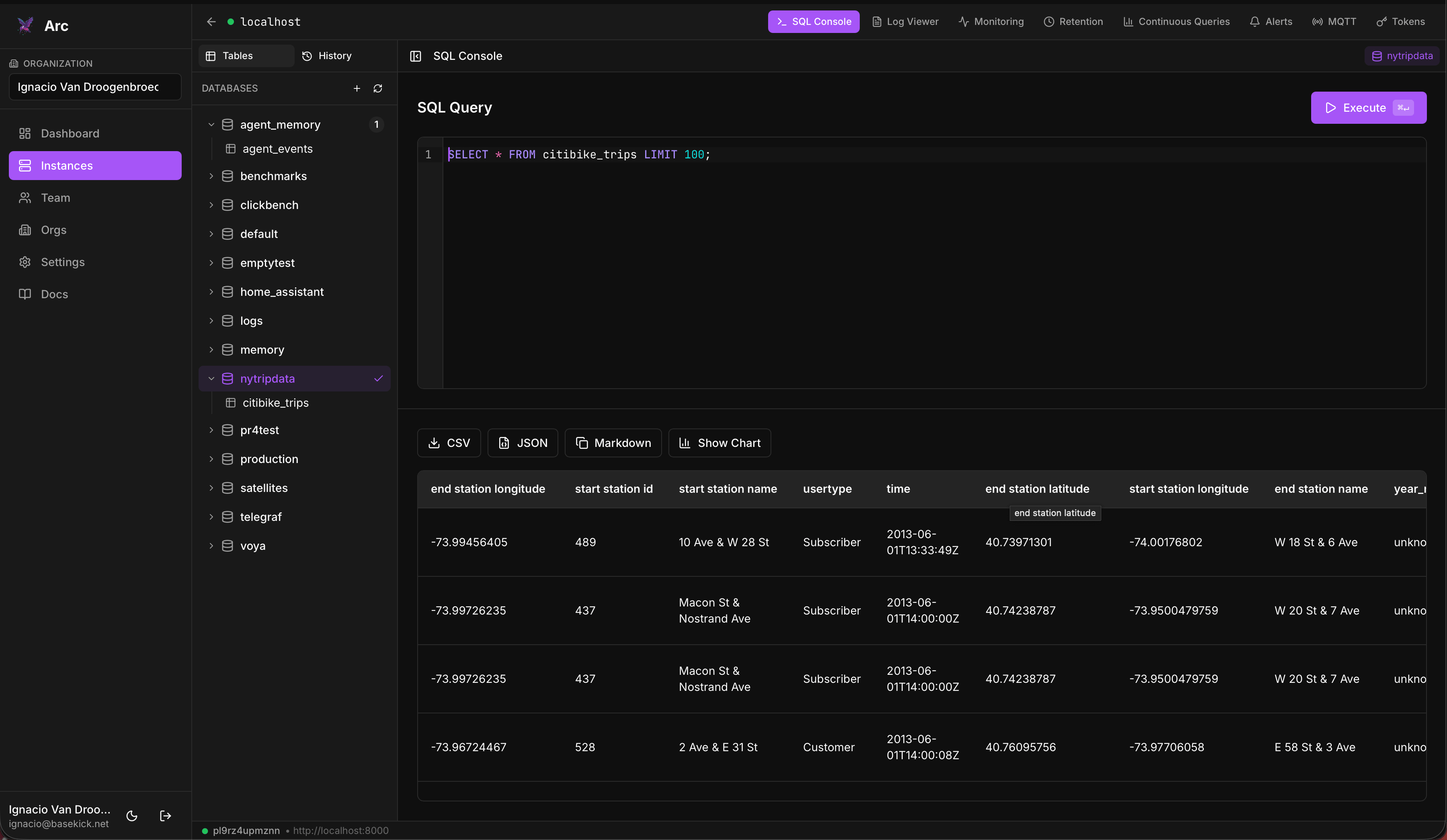
Arc Launchpad
A self-hosted console for the Arc instances you run.
Run SQL, browse logs, manage tokens and retention, set up alerts and continuous queries, and share access with a team.
Read the docs →arcli
The command line for Arc.
Named connections, SQL queries, writes and bulk imports, token and retention admin, backups and cluster status from your terminal or a script.
Read the docs →From the blog
All posts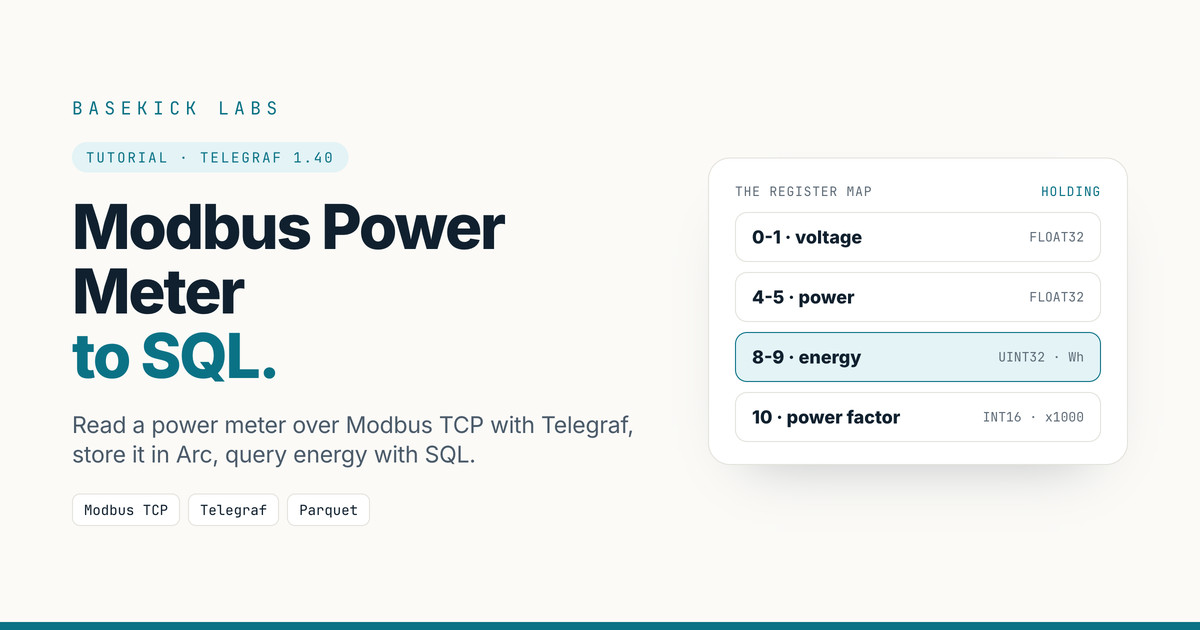
Modbus Power Meter to SQL with Telegraf
Read a Modbus TCP power meter with Telegraf, store it in Arc as Parquet, and query energy, power and voltage in SQL. Every config and output run live.
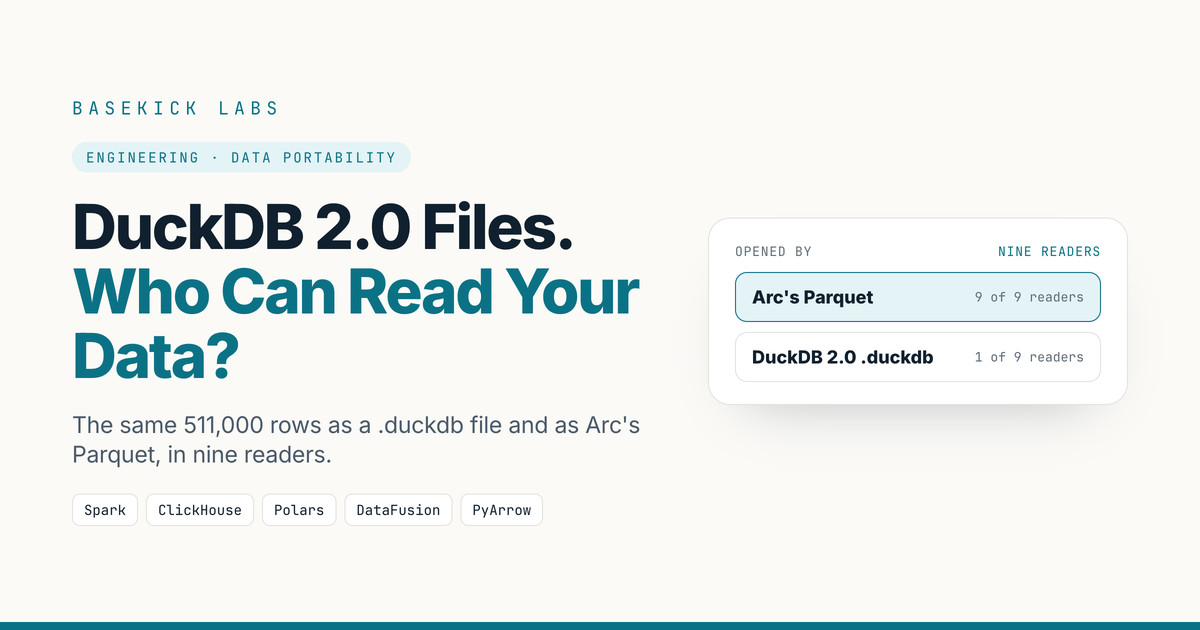
DuckDB 2.0 File Format: Who Can Read Your Data?
DuckDB 2.0's new files open only in DuckDB 2.0+. We tried the same rows as a .duckdb file and as Arc's open Parquet in nine readers. Here is who opened what.
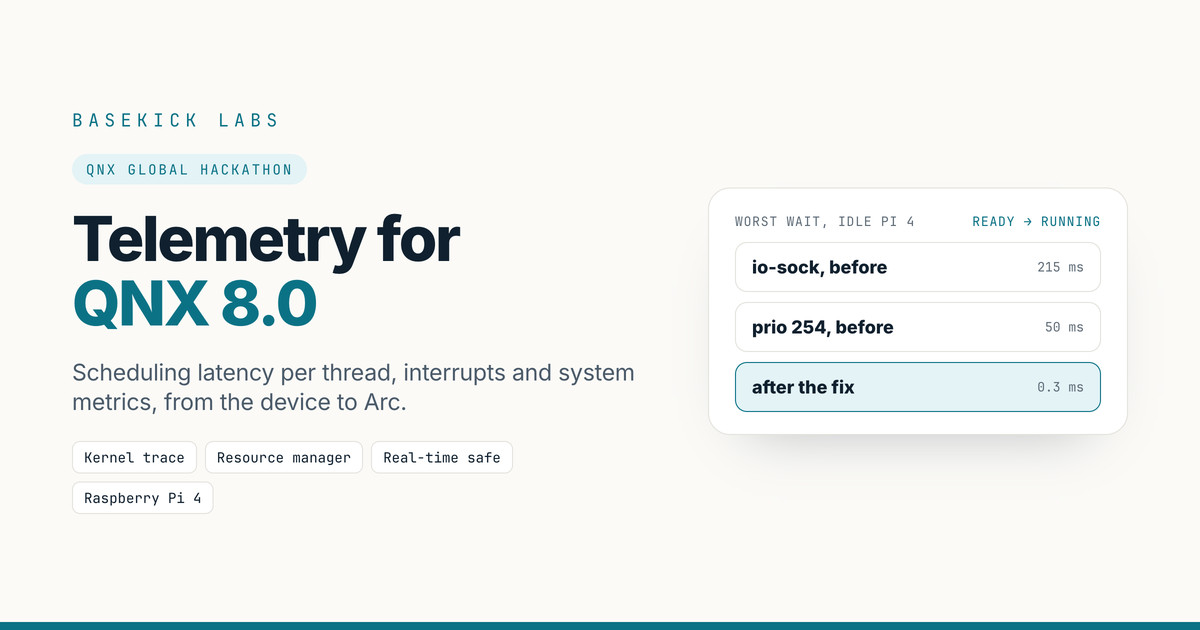
We Built a Real-Time Telemetry Collector for QNX for the QNX Global Hackathon
For the QNX Global Hackathon we built rtcollector-qnx: a C collector that runs on QNX 8.0 and sends per-thread scheduling latency, interrupts and system metrics to Arc, without ever being the reason a deadline is missed.